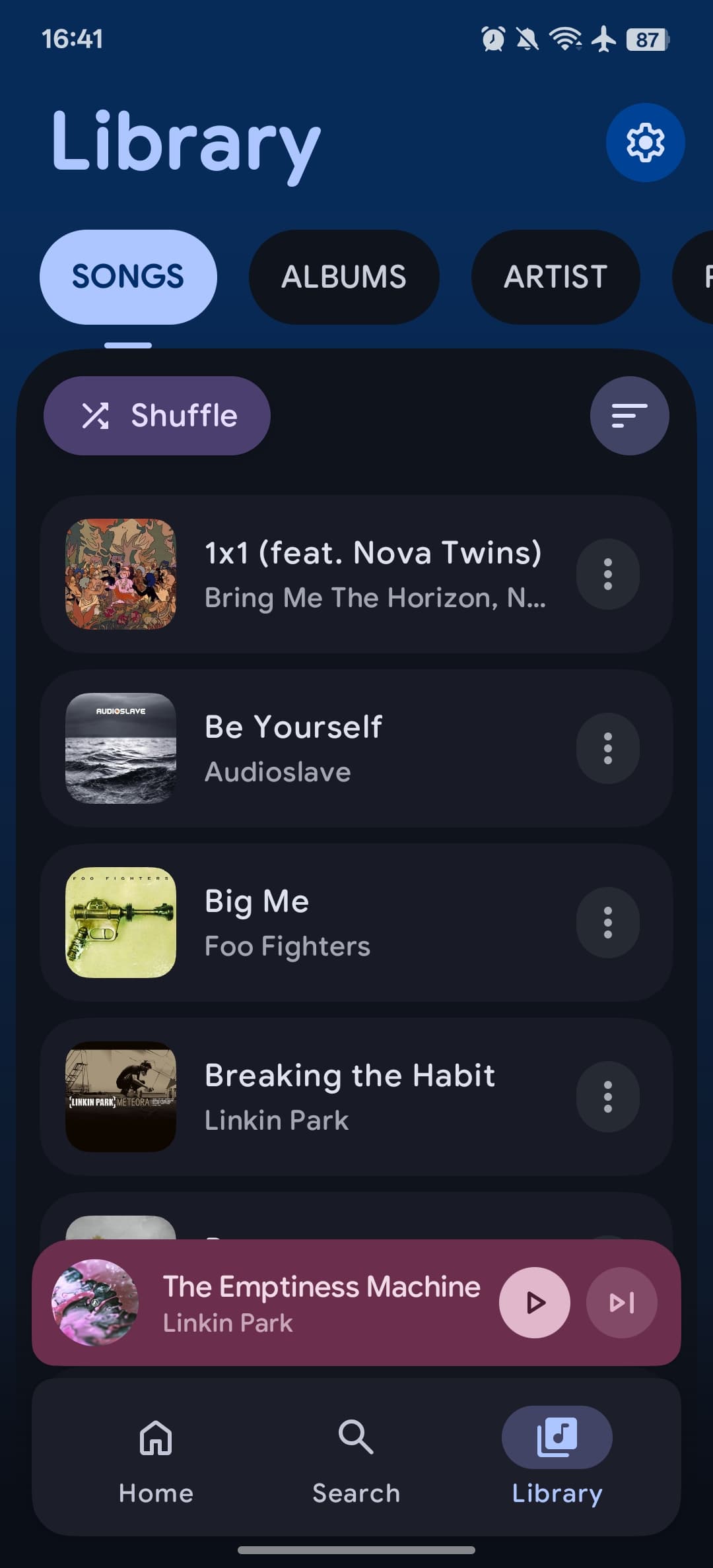
On your phone
Local songs, albums, and artists. Organized in one library, ready when you are.
Local playbackMade for Android
The songs you keep. The ones you haven’t found yet. Bring them together in a player that feels like you.
Android 11+ Development release candidate
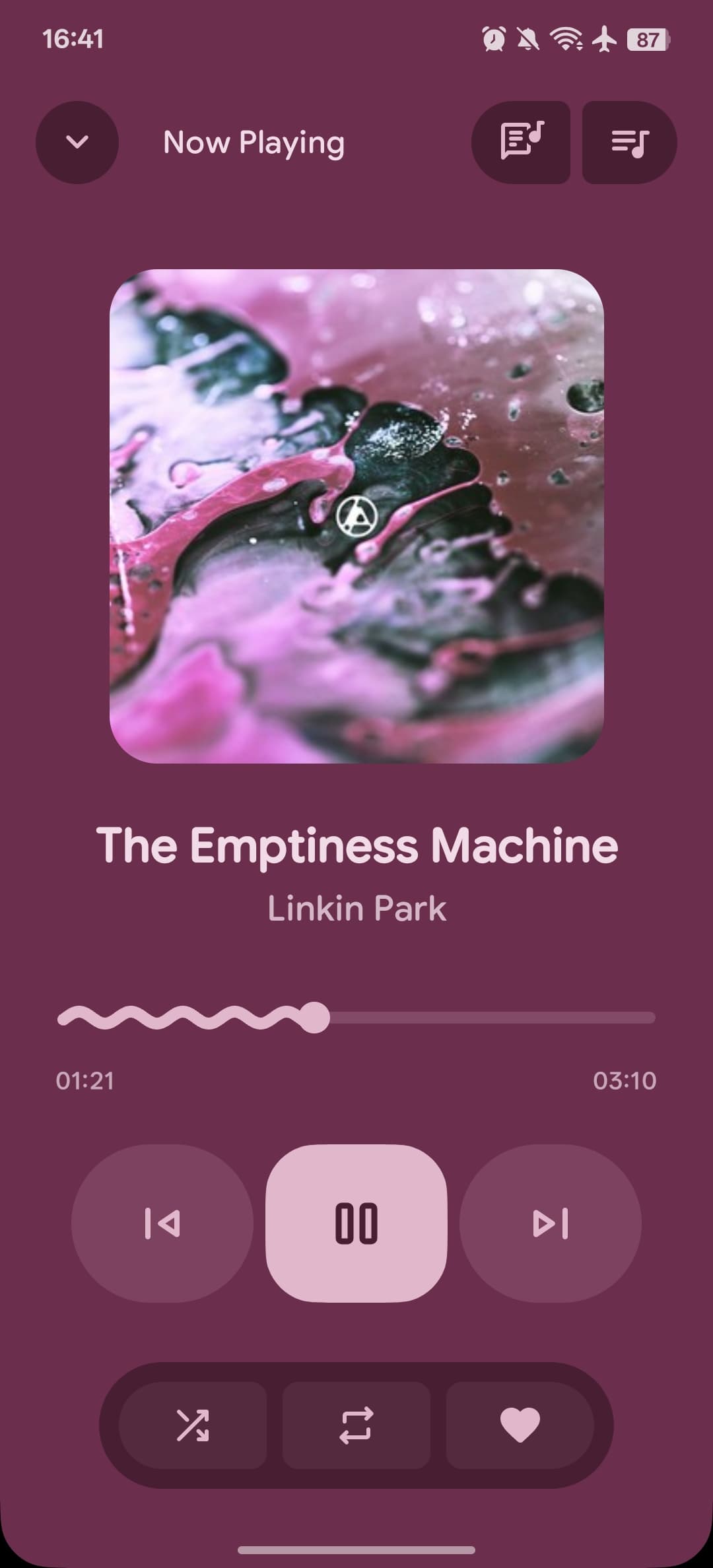
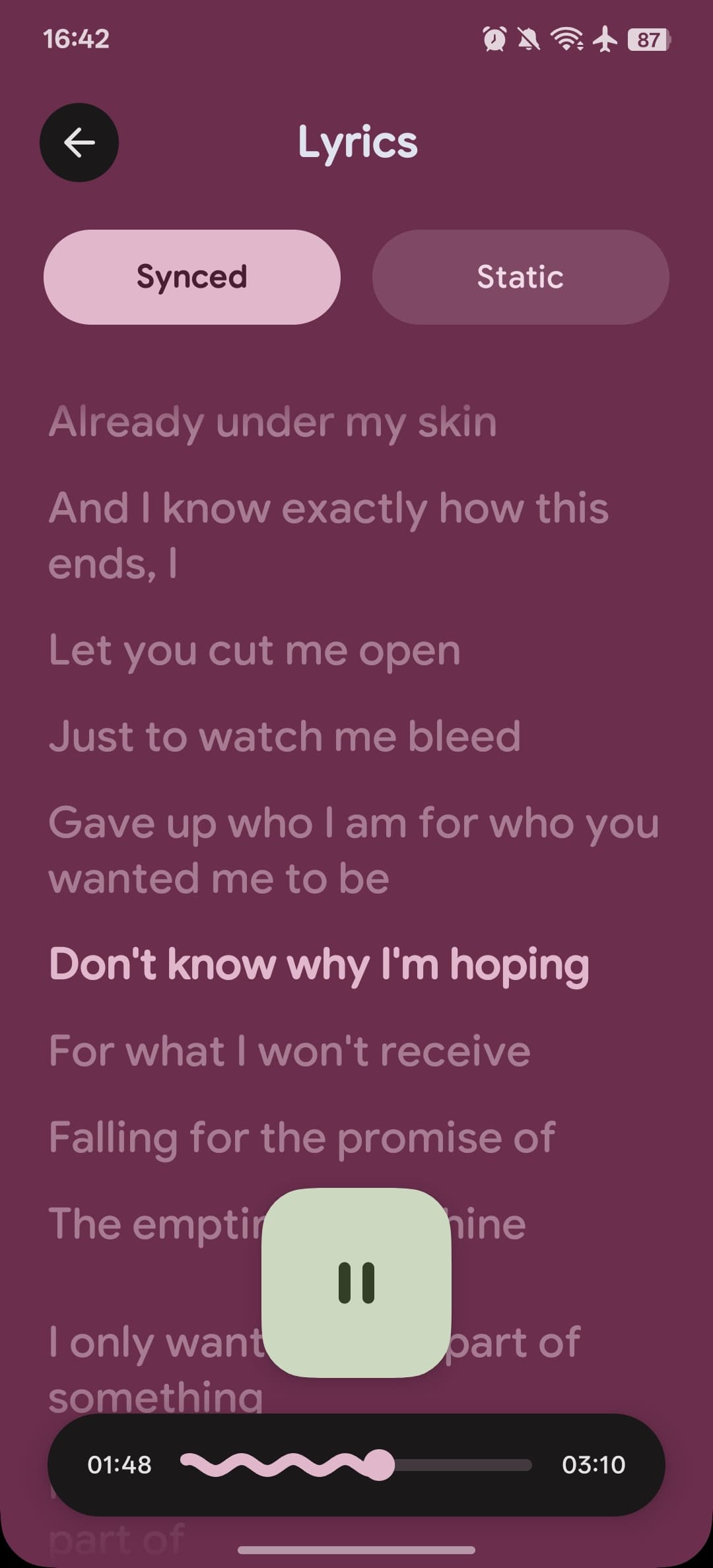
A different song.
A whole new color.
A familiar home for your collection,
with room for something new.
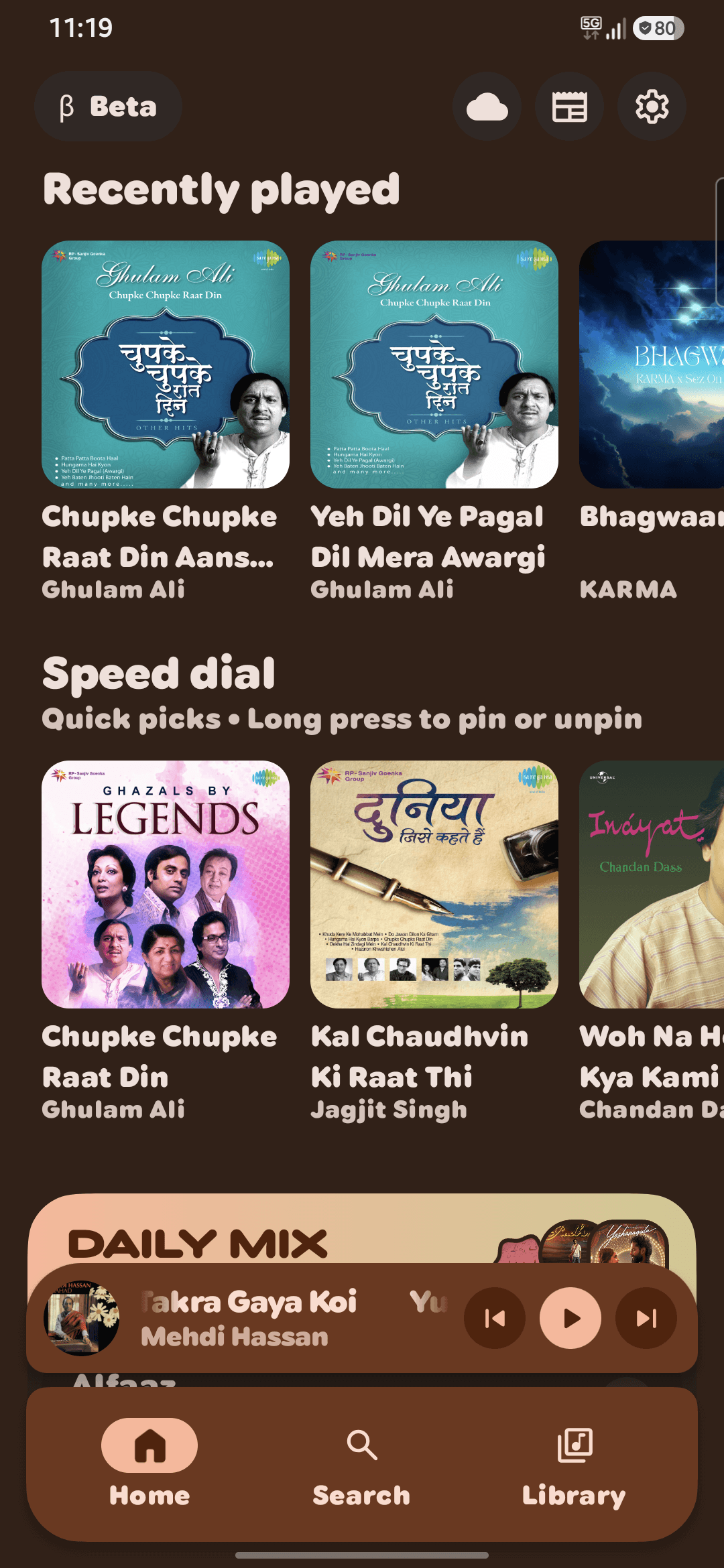
An actual look inside Aro.
Keep the files on your phone close. Bring over the playlists you’ve spent years making. Then follow a song somewhere new.
Local songs, albums, and artists. Organized in one library, ready when you are.
Local playbackSearch YouTube Music for artist collections, new favorites, and related-song queues.
Online discoveryImport Spotify and YouTube playlists as local copies. Spotify tracks use YouTube playback matching.
Playlist import
Your next listening session starts here.
Download APKRelease notes and checksumsUse Download APK to save the app to your phone. Release notes and checksums are available on GitHub.
If Android asks, allow your browser to install apps, then finish installing Aro.
Grant audio access for your local songs, or head to Search to discover music.
This is a development release candidate. See tested features and known limits.
An ARM64 Android phone running Android 11 or newer. Aro is currently a development release candidate; broader device compatibility is still being tested. There is no iPhone version.
Yes. Give Aro audio access and your songs appear in Library. Browse by song, artist, or album, make playlists, and play your local collection without an internet connection.
Connect Spotify to browse playlists and liked songs, or paste a playlist link into Library’s Import action. Aro matches Spotify metadata to YouTube for playback; it does not stream Spotify audio. Imports are local copies, and remote edits do not sync back. Unavailable tracks may be omitted.
No account is needed for your local library. Connect a supported service only if you want its features. Library metadata, preferences, listening history, and playlist caches are stored on your device; connected services receive requests when you use them.
Use the project’s GitHub Issues page. Include your Android version, Aro version, and the steps that reproduce the problem. Keep passwords, session cookies, and personal account information out of reports.